User guide
Your first wish list, step by step.
A few minutes are enough to create a list, add ideas, and share it.
- 01
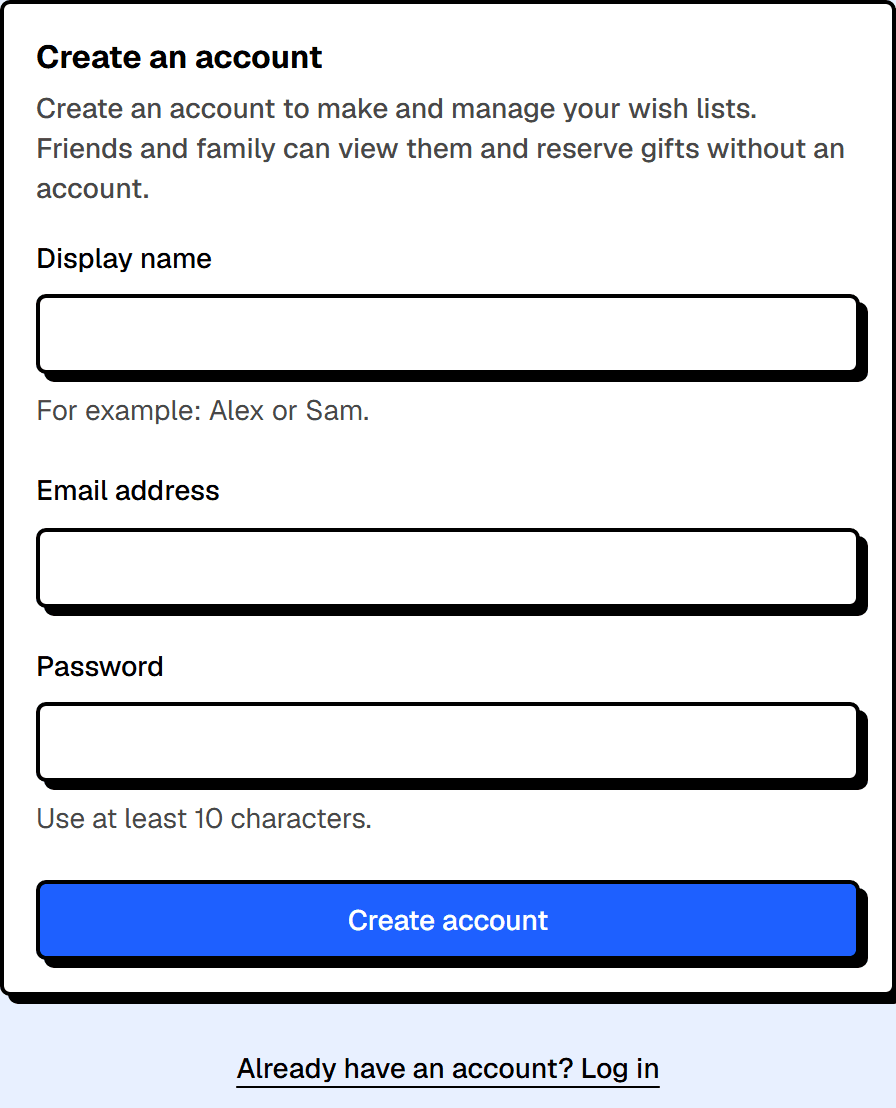
Create your account
Enter your display name, email address, and a password. Your account is for creating and editing lists; friends and family don’t need one to view them.
An account is for creating and editing lists. Friends and family don’t need one to view them.
- 02
Create a wish list
Name it, add a first category, and choose who the gifts are for. You can add more details later.
Once signed in, your wish lists live here. One list is enough to get started.

- 03
Add gift ideas
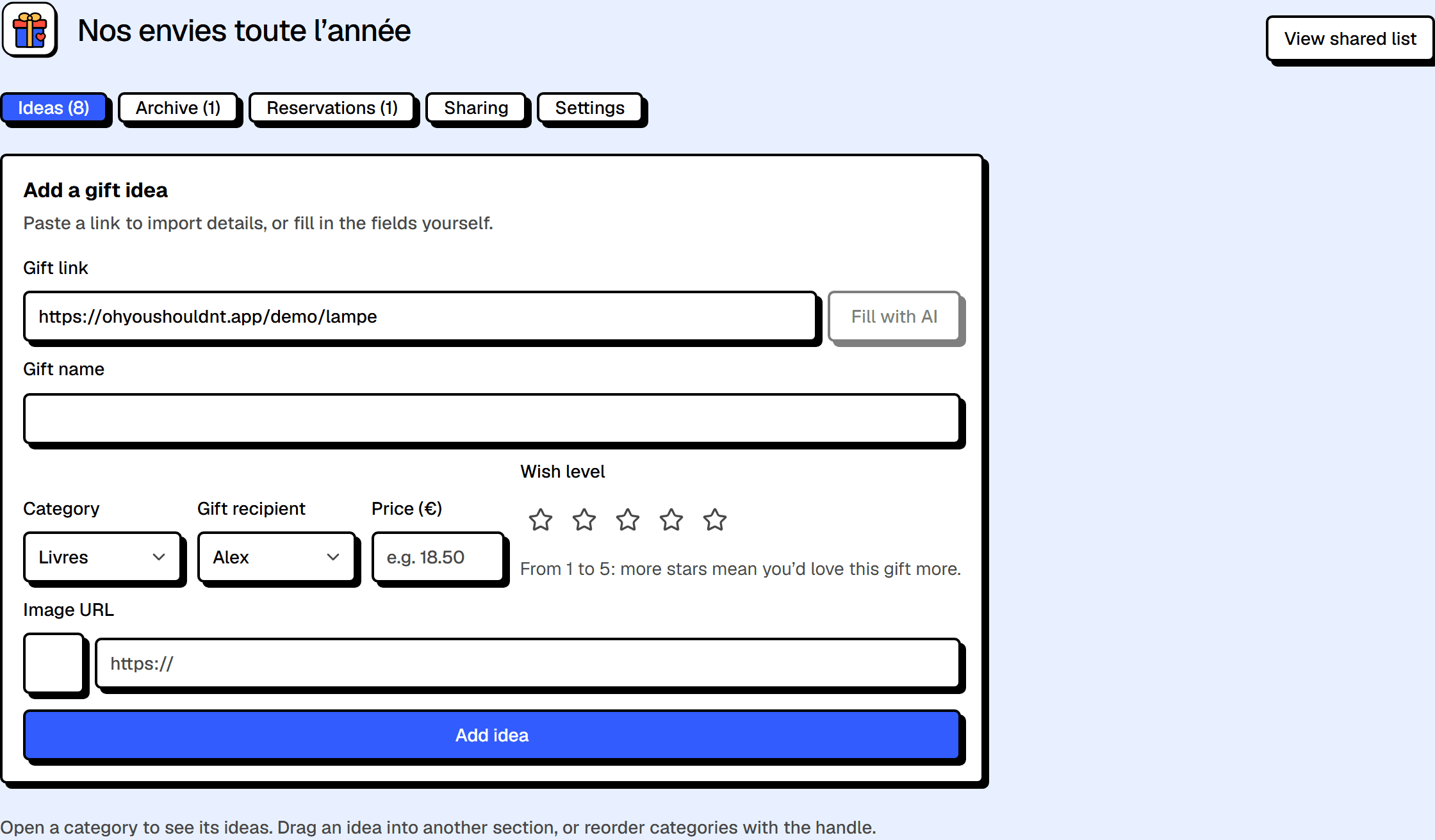
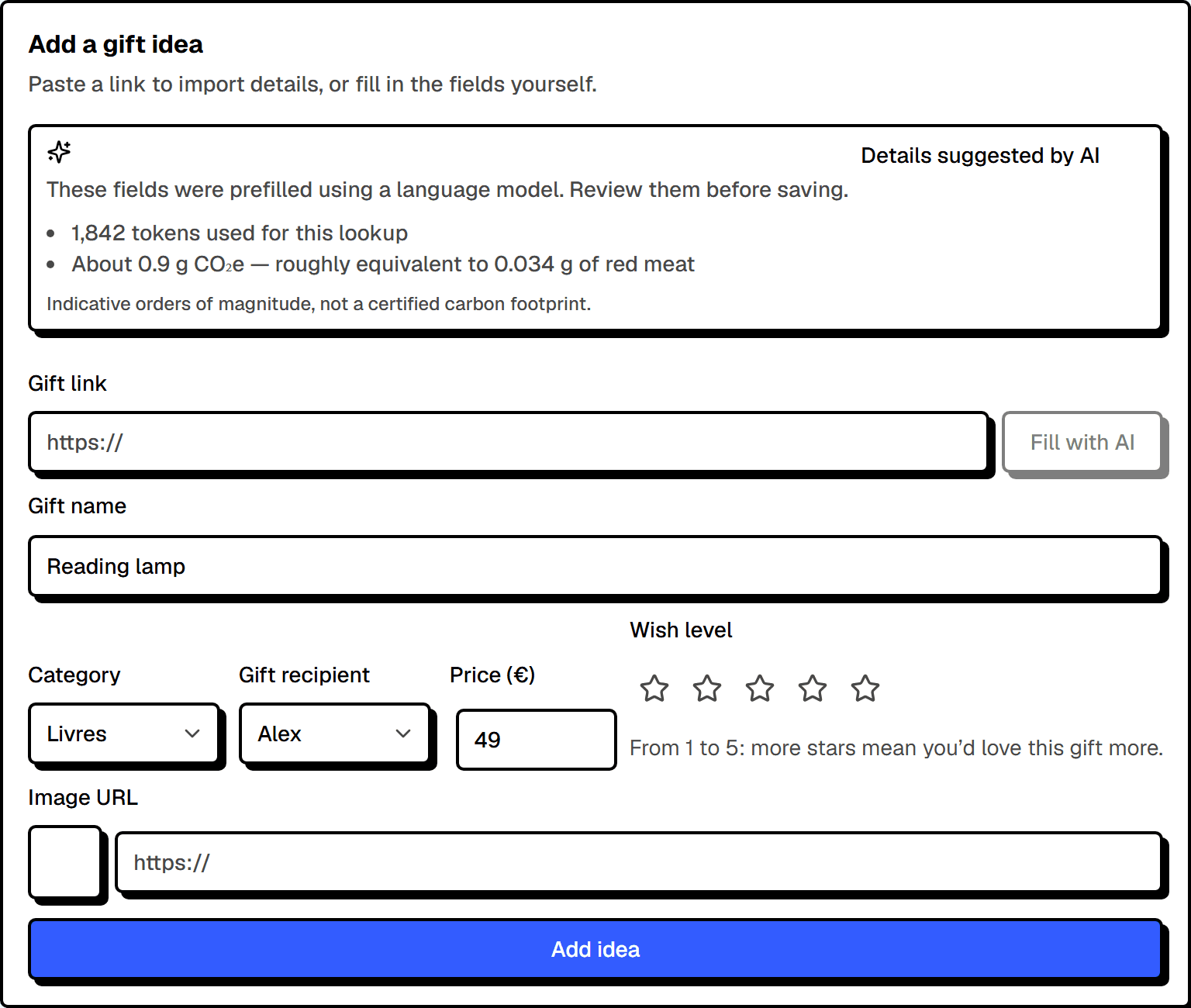
Paste a link to prefill details, or enter them yourself. Organize each idea by category and recipient.
Add an idea: a link is often enough to start, then you can refine the details.
- 04
Customize your list
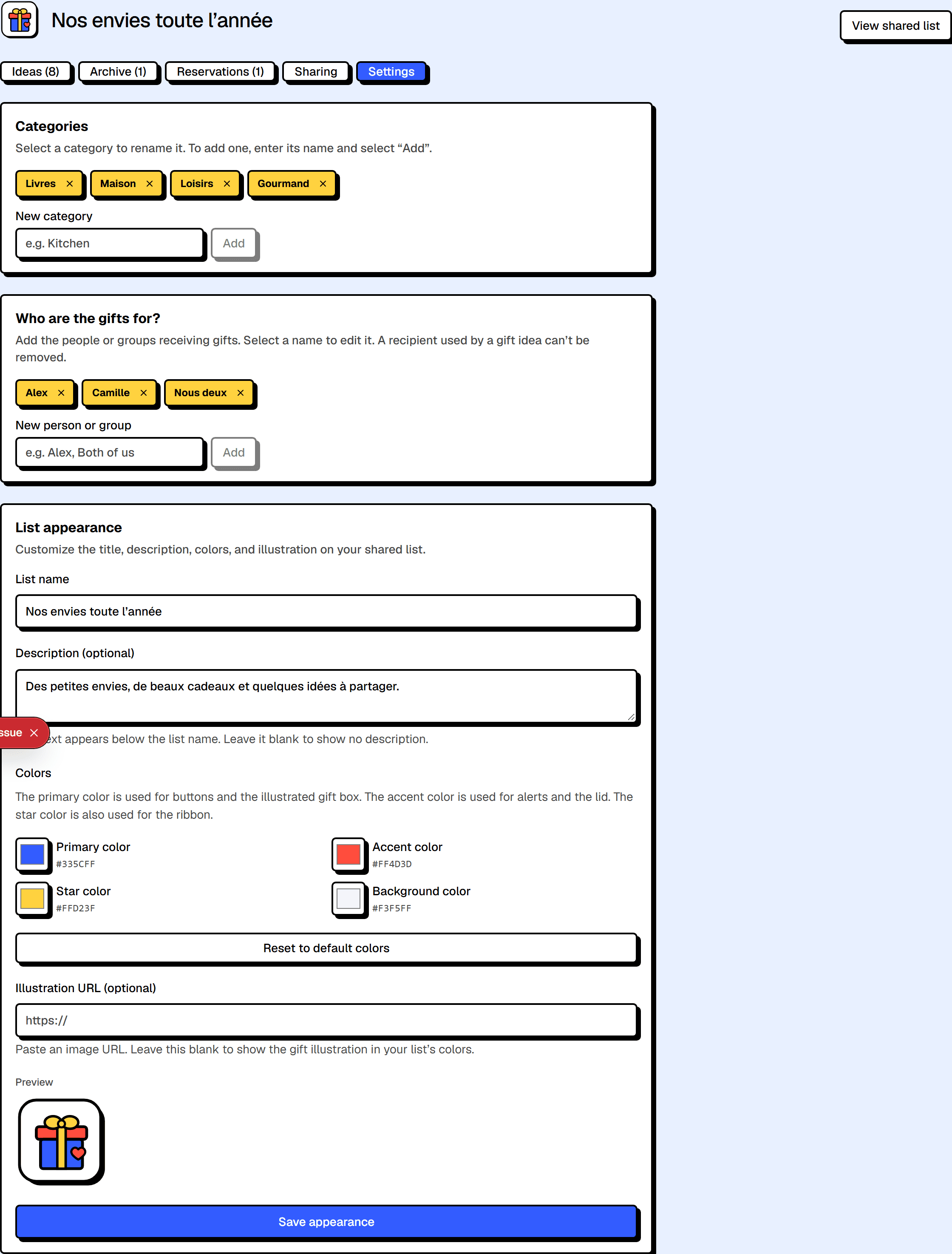
In settings, change its description, colors, and illustration. You can also add categories and recipients.
Categories, recipients, and appearance give the list its identity.
- 05
Share the right link
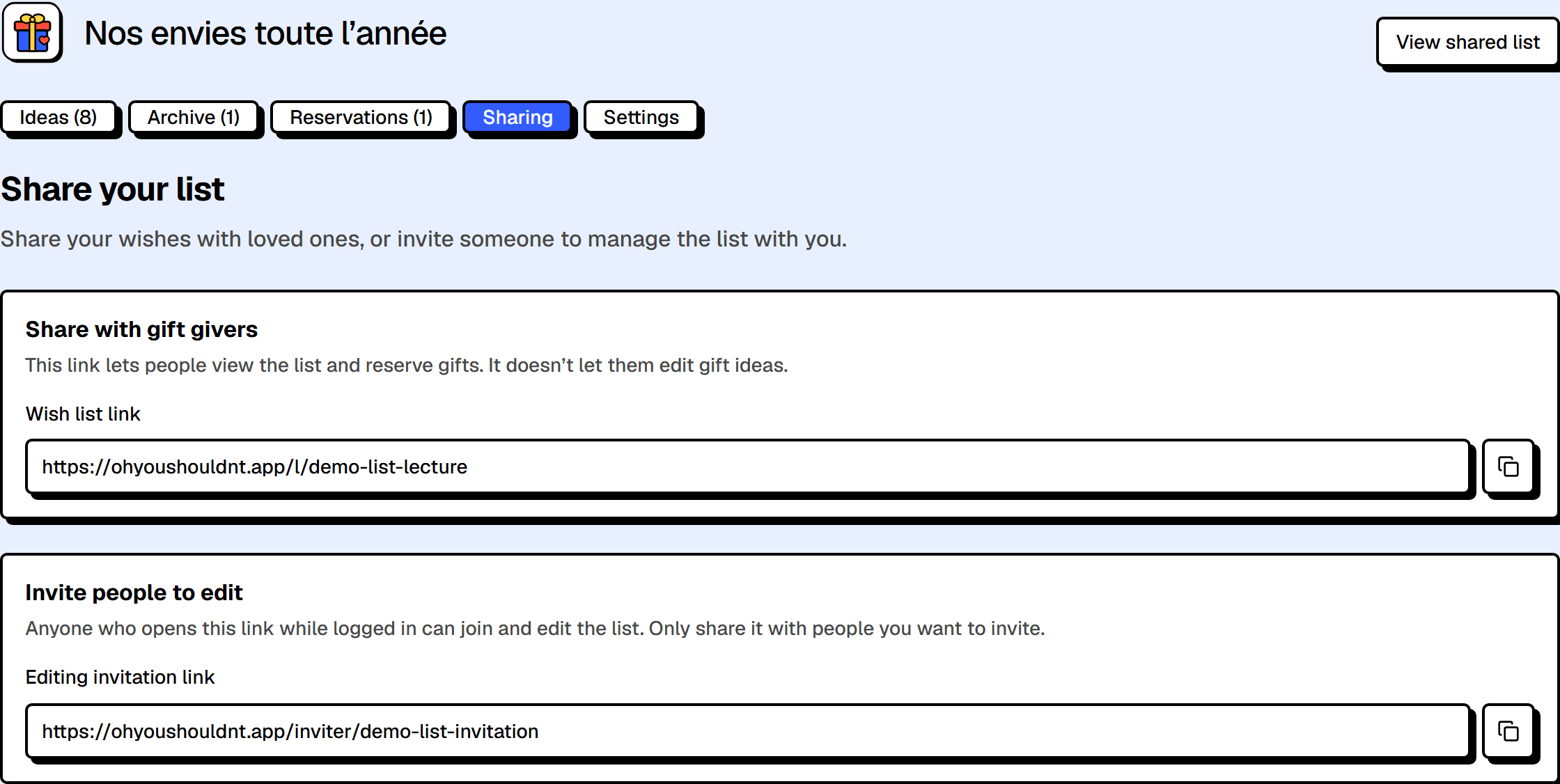
The wish list link lets people view and reserve gifts. The editing invitation link lets someone join and edit the list, so only share it with the intended people.
Two distinct links: one to view and reserve, one to join as an editor.
- 06
Keep track of reservations
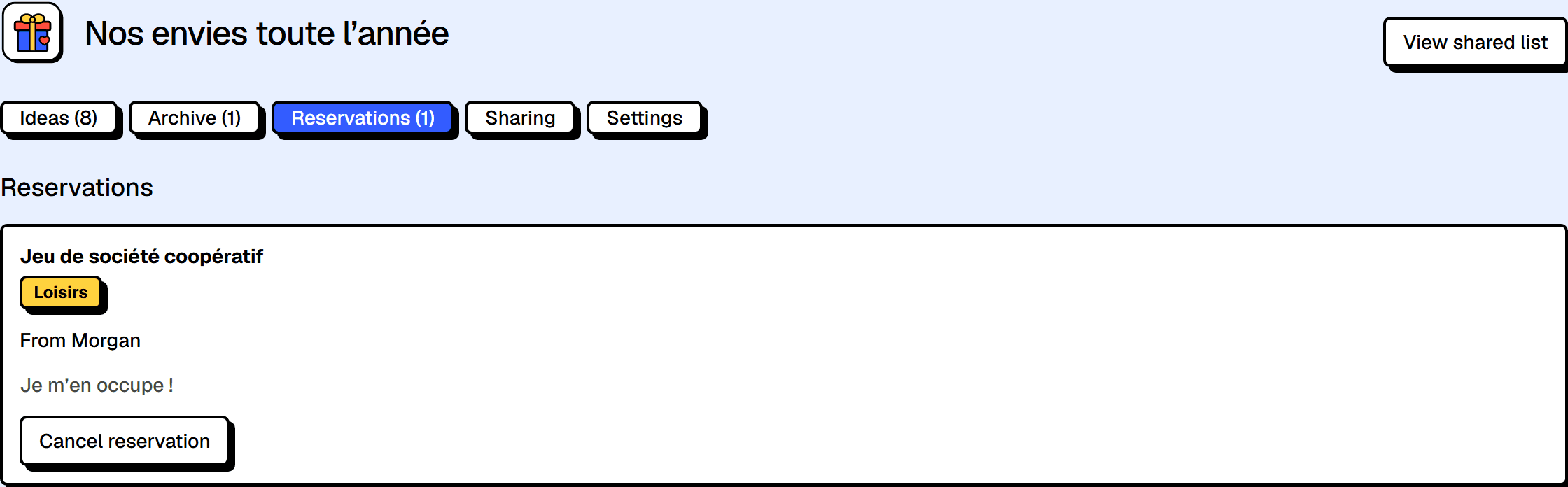
The Reservations tab shows reserved gifts. Reserving does not place an order; the purchase happens separately.
Reservation tracking is useful… unless the list is for you.
Two useful moves
AI-assisted lookup
When AI helps, it’s clearly labeled, with estimated tokens and CO₂.
Organize by category
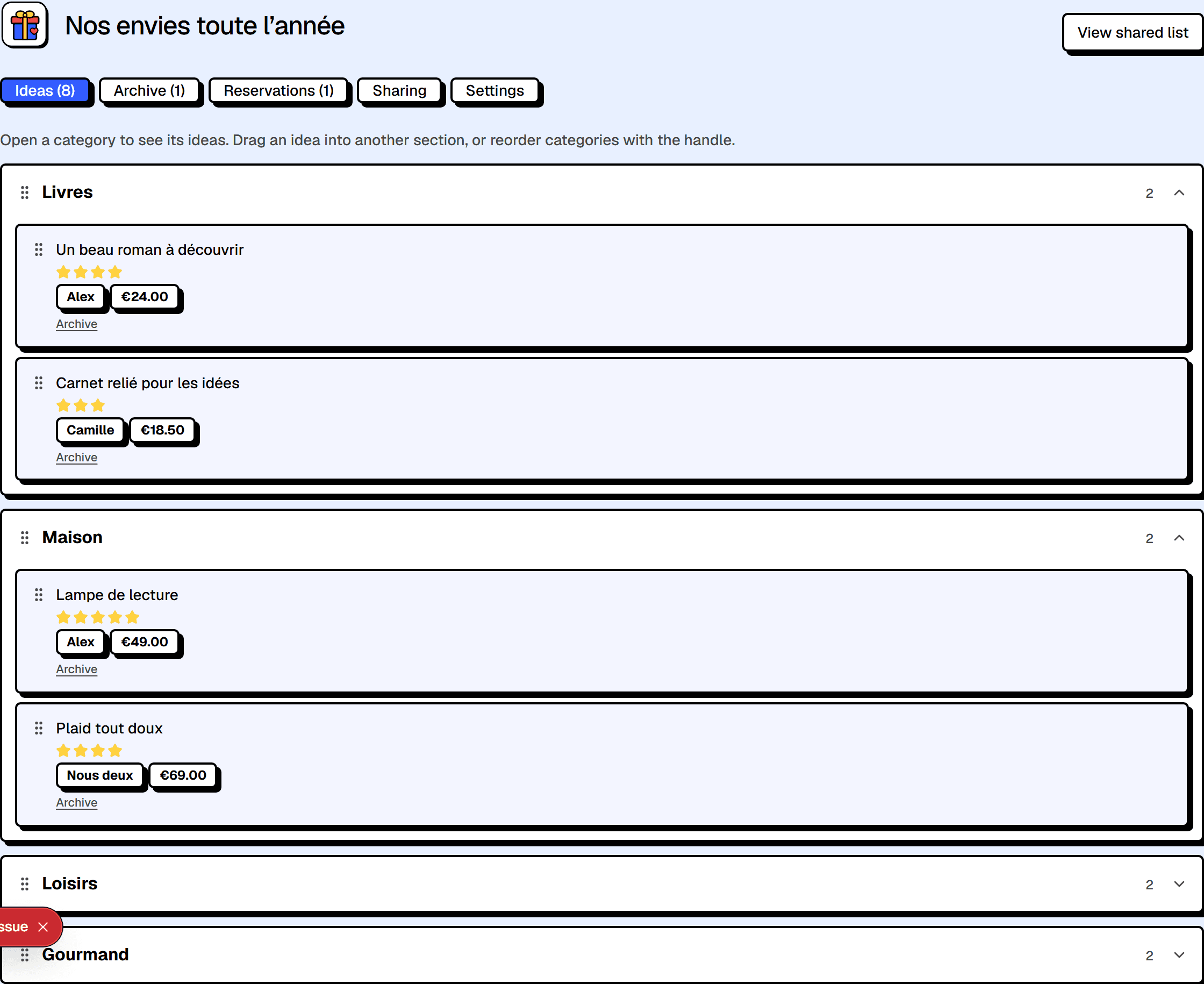
Categories form an accordion: the arrows change the order, the menu moves an idea. Dragging still works.
Received a wish list?
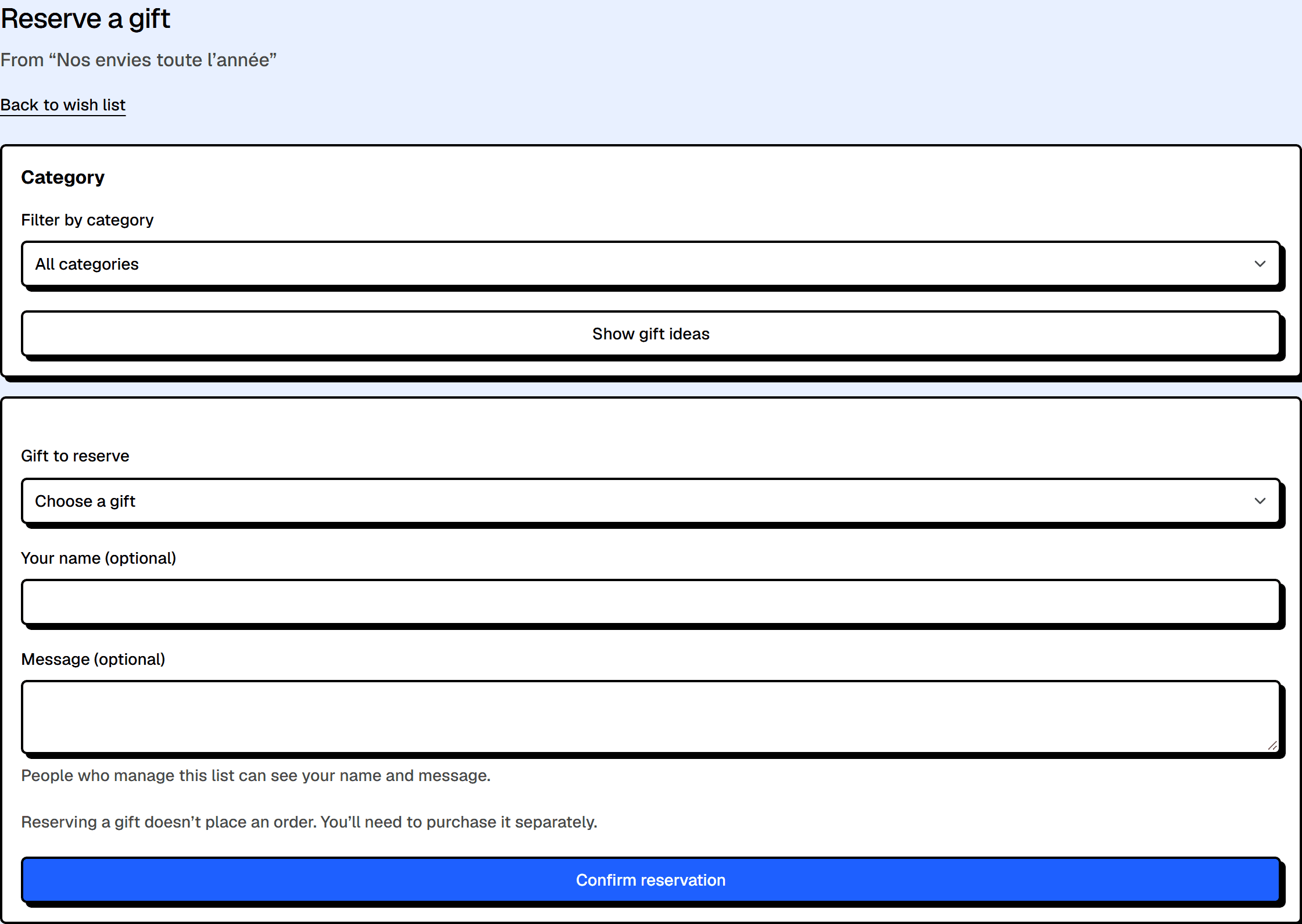
Open the link, browse the ideas, and choose “Reserve this gift.” You can leave your name and a message. No account is required.
The shared list
The shared list filters ideas and lets people reserve a gift without an account.
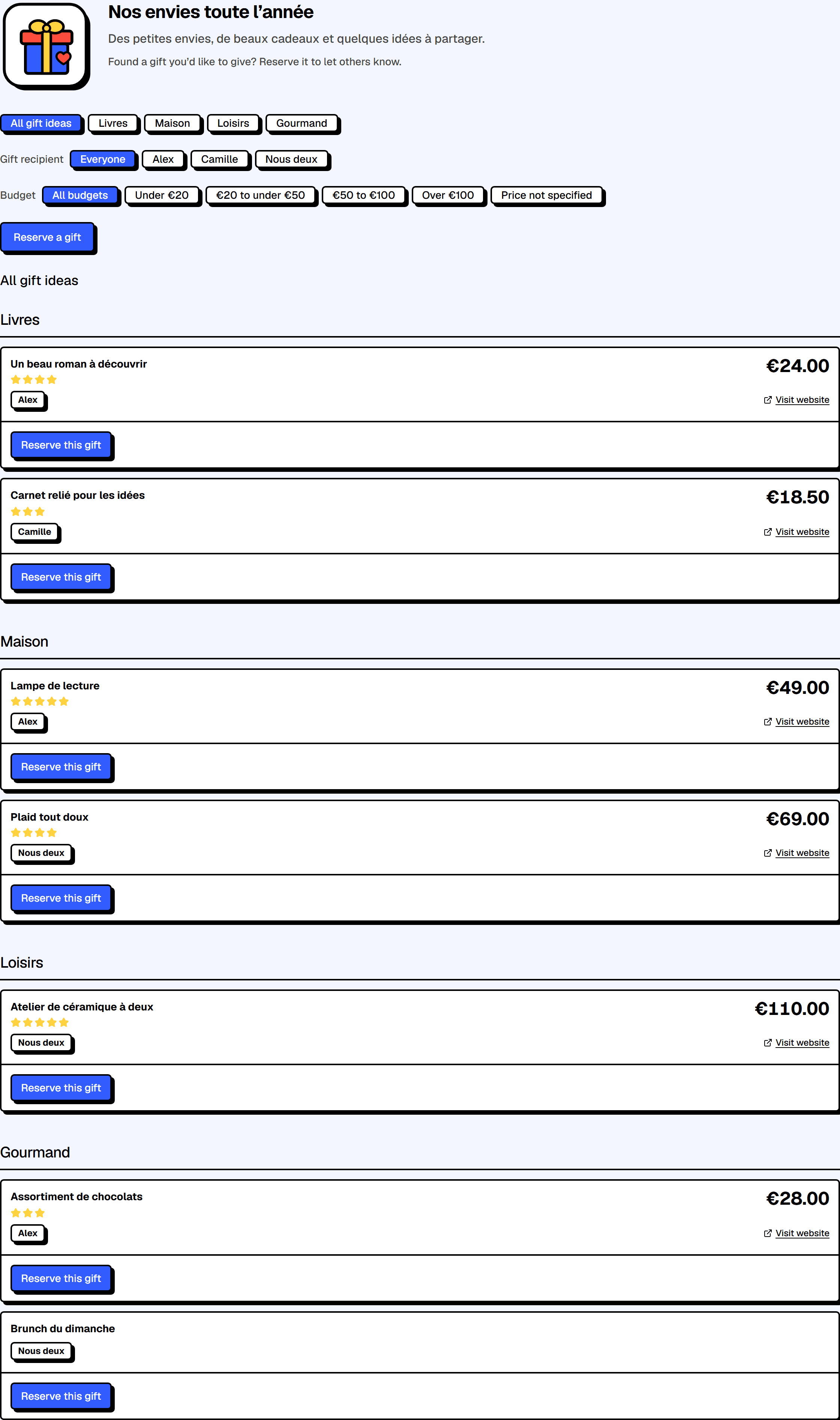
Reserve a gift
Reserving signals your choice to other gift givers without placing an order.